معلومات المنتج
الوصف
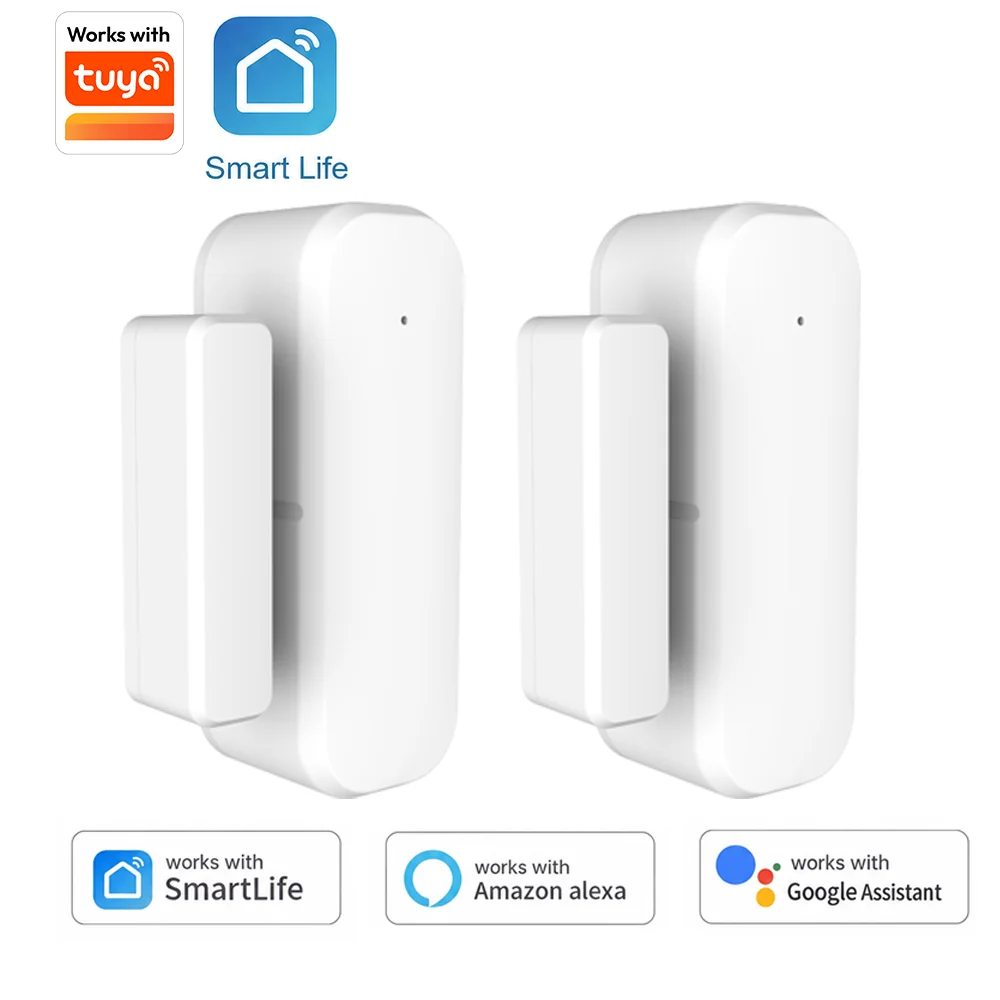
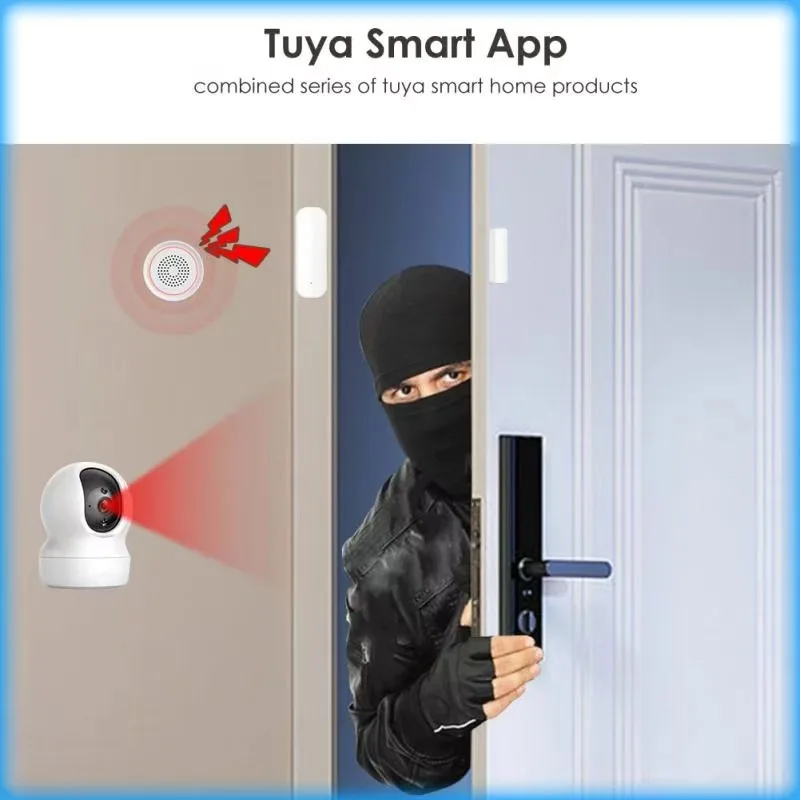
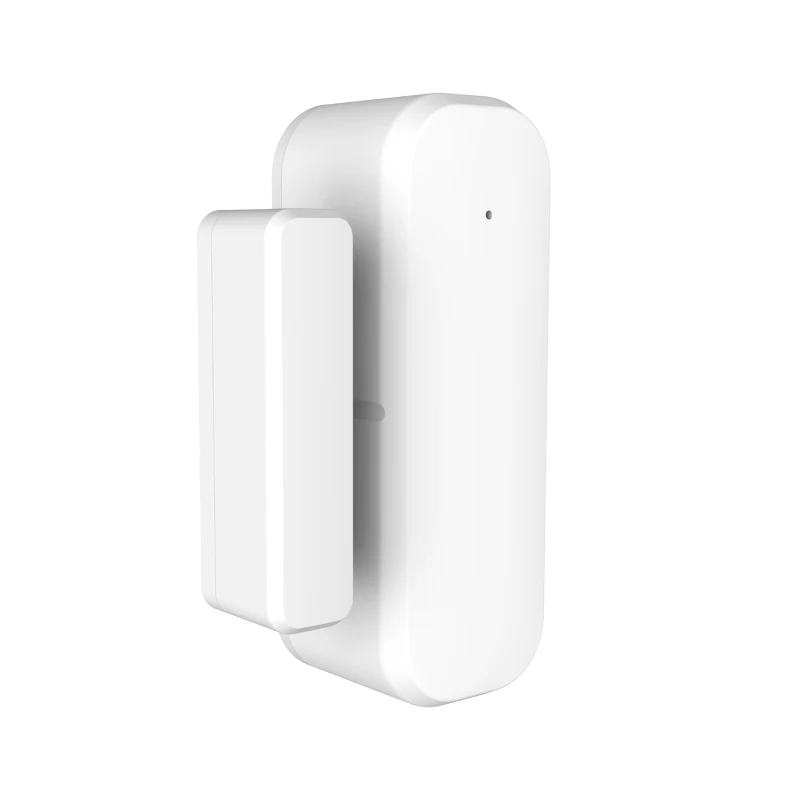
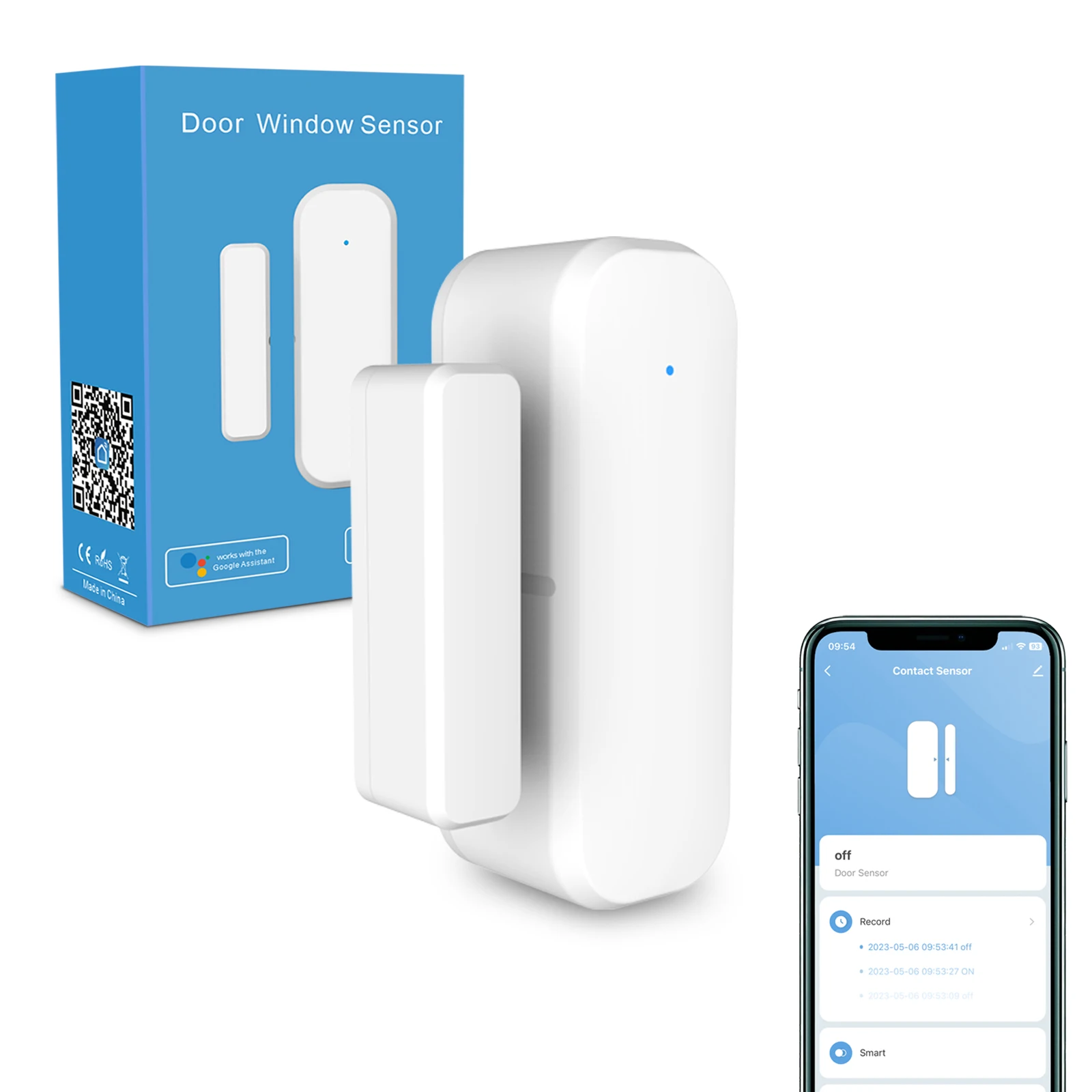
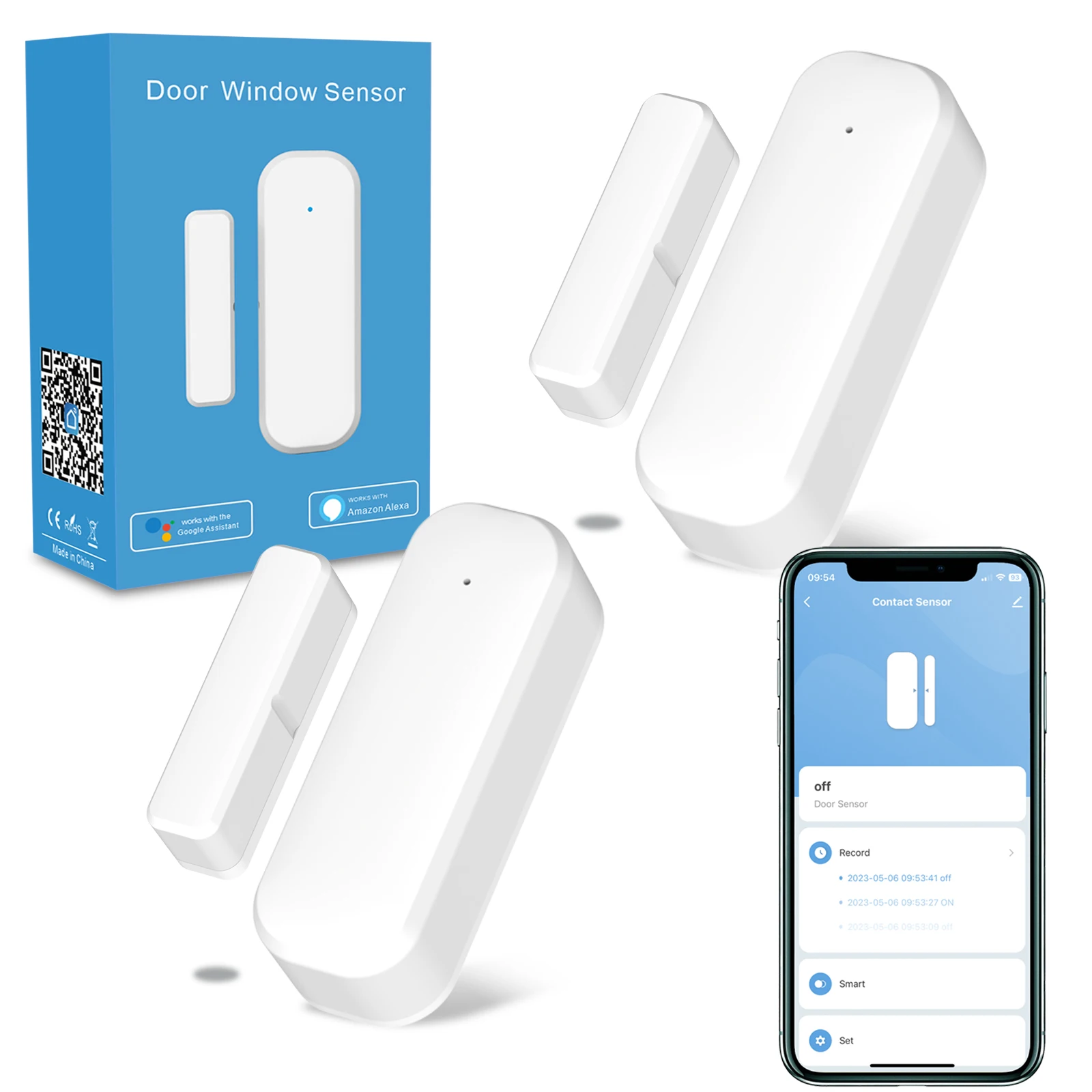
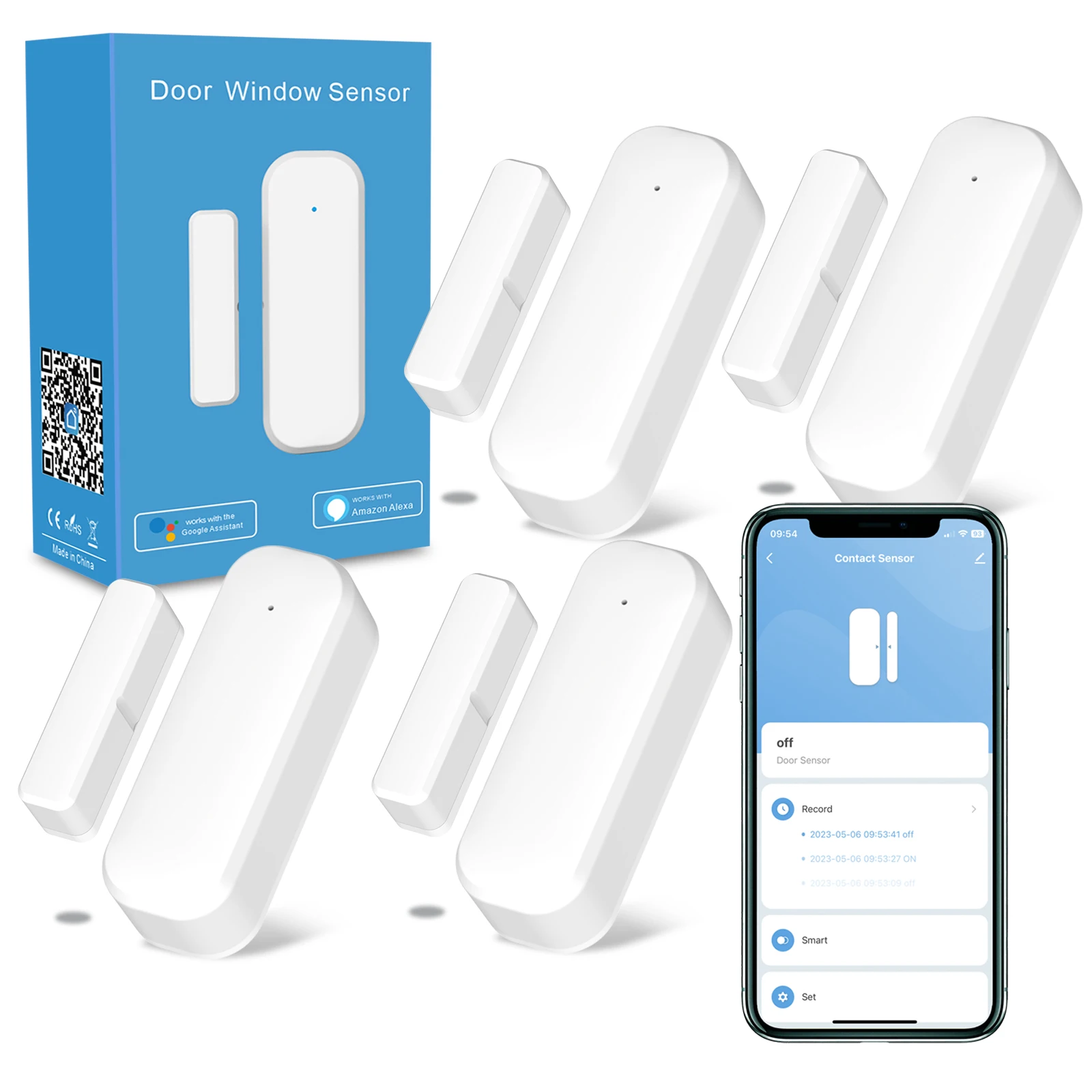
Smart Door & Window Sensor
Installation Guide for Tuya WiFi Door Contact Sensor
Prepare the main sensor and matching magnet parts
Peel off protective layer of back adhesive tape
Attach magnet component on door or window frame
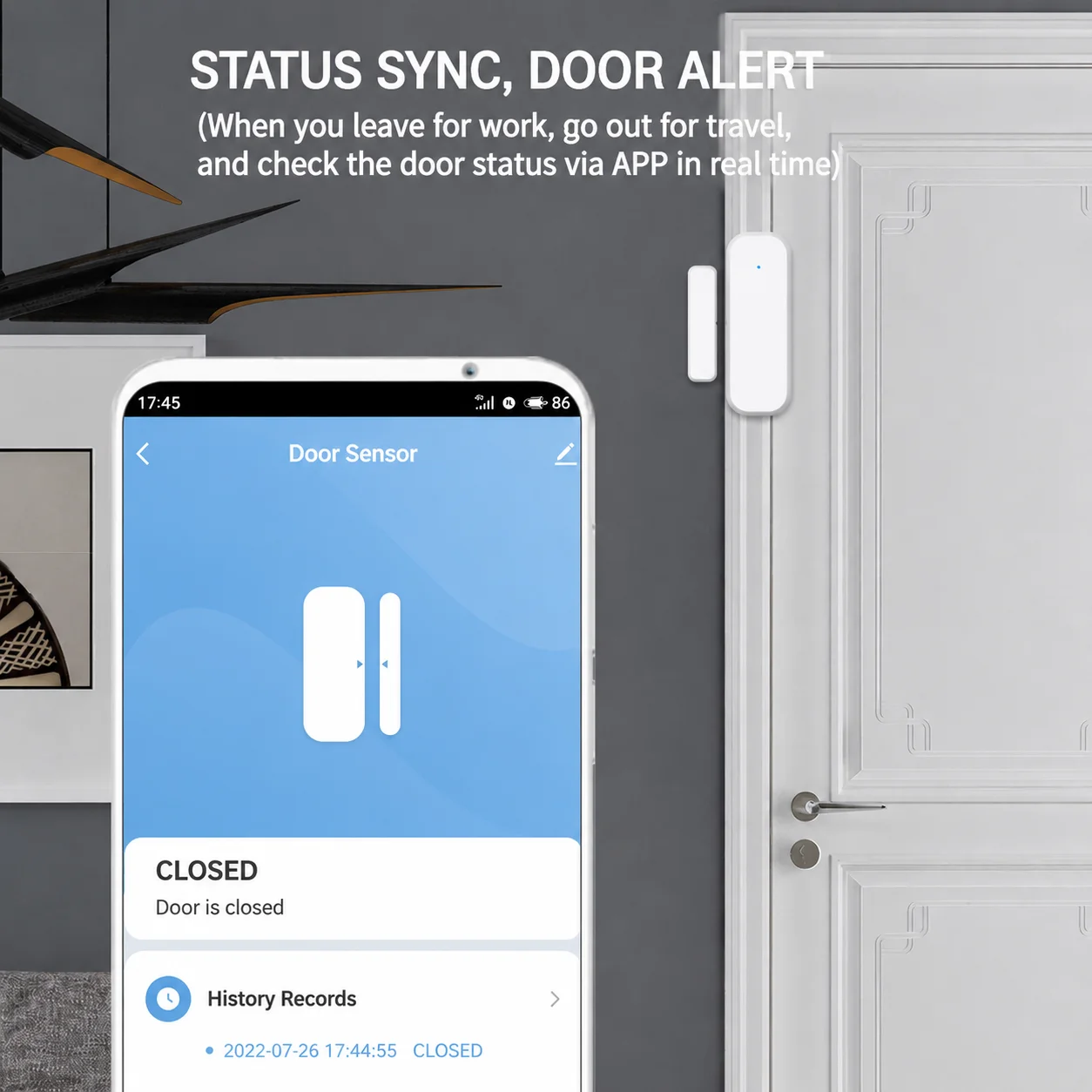
Align main body with magnet to finish installation
Keep the distance between magnet and sensor within 20mm to ensure normal induction
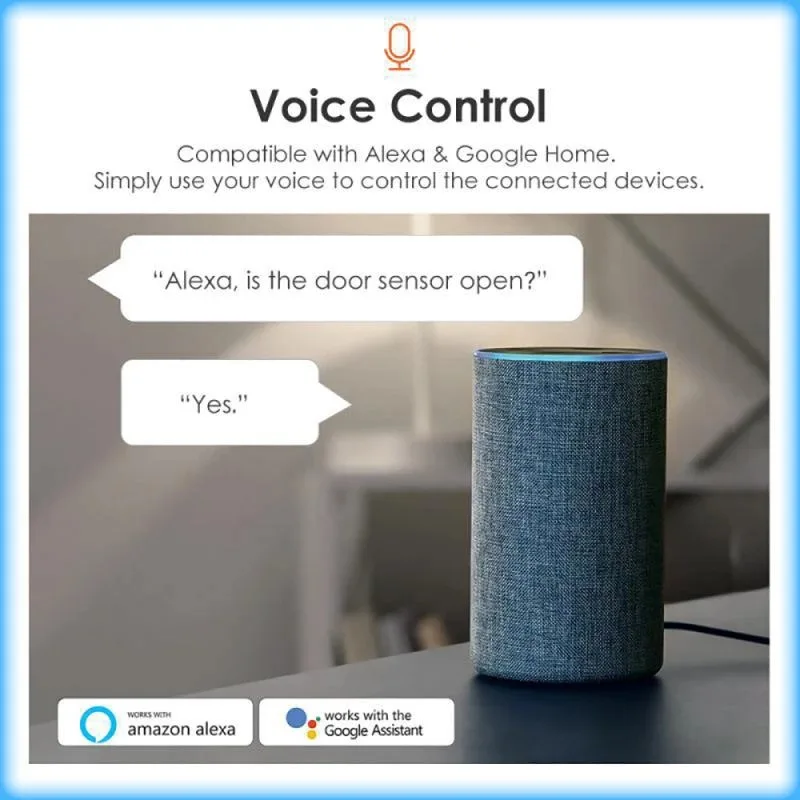
Third-Party App Connection Guide (Compatible with Alexa / Google Home)
-
-
-
-
This door sensor has 3 optional SKUs: WiFi Only, WiFi+Bluetooth Dual-mode, Zigbee. Please follow the corresponding pairing steps according to your purchased model.
Universal Preparatory Note for All Models
Please keep your mobile phone connected to the same local network as the sensor before pairing. Only stable 2.4GHz WiFi network is supported for all WiFi-related models; 5GHz WiFi network is incompatible and will cause pairing or sync failure.Step 1: Pair door sensor in Tuya Smart App first
-
WiFi Only / WiFi+Bluetooth Dual-mode Sensor: Launch Tuya Smart App, add the door sensor directly via WiFi/Bluetooth pairing, and confirm the device shows “Online”.
-
Zigbee Sensor: This model requires a Tuya Zigbee gateway to work. Please pair the sensor with a matched Tuya Zigbee gateway first in Tuya Smart App, and confirm both gateway and door sensor display “Online”.
Step 2: Open Alexa App or Google Home App on your phone
Connect your mobile phone to the same 2.4GHz WiFi network as your sensor or Zigbee gateway.Step 3: Tap the “Add Device” button on the App home page
Step 4: Search for the official “Tuya Smart” skill and enable it
Step 5: Enter your Tuya Smart account login info to complete account authorization
Step 6: Tap device sync button, and the paired door sensor will be automatically loaded into Alexa/Google Home App
Important Notes
-
2.4GHz WiFi network is mandatory for WiFi & WiFi+Bluetooth models. 5GHz WiFi, mixed dual-band WiFi or weak network signals will result in device sync failure.
-
Zigbee version sensor cannot work independently. A dedicated Tuya Zigbee gateway is required for normal use and third-party voice assistant connection.
-
Bluetooth function of WiFi+Bluetooth model is only for quick device pairing, not for long-distance remote control.
What’s In The Package
-
1 × Door sensor main unit (WiFi / WiFi+Bluetooth / Zigbee optional)
-
1 × Magnetic sensing strip
-
1 × 3M adhesive sticker
-
1 × User instruction manual
Package Note: AAA batteries are not included in the package for all versions.
FAQ
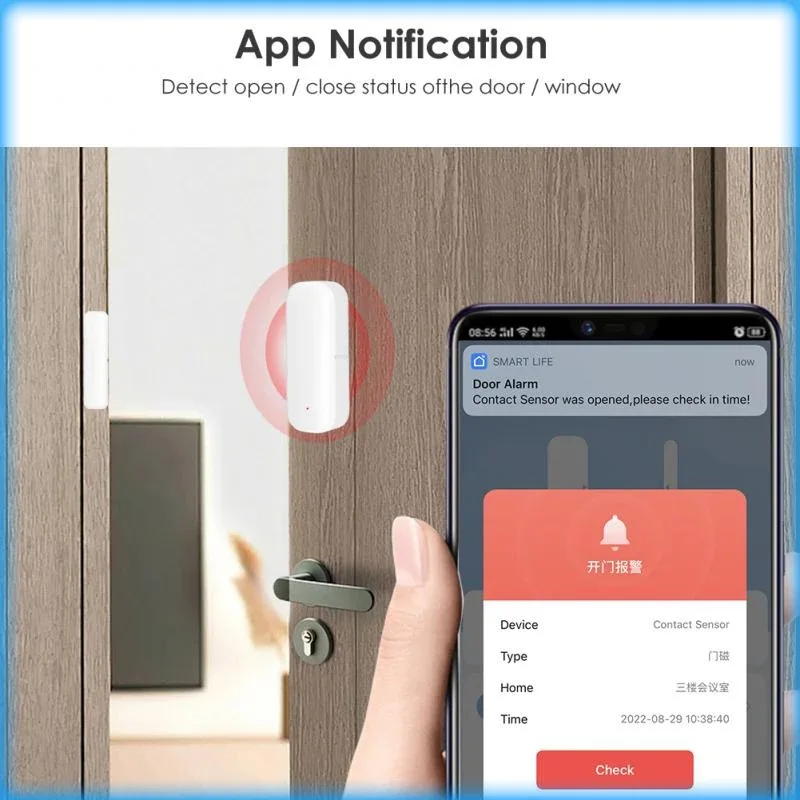
Q1: Do I need to buy an extra gateway?A: Depends on your sensor model. WiFi Only and WiFi+Bluetooth dual-mode versions support direct 2.4GHz WiFi connection, no gateway required. Zigbee version must be used with a Tuya Zigbee gateway.Q2: Is 5GHz WiFi available for connection?A: All three sensor models only support 2.4GHz WiFi network. 5GHz WiFi is not compatible.Q3: Why cannot receive alert messages?A: 1. Check whether the device is online normally in Tuya Smart App; 2. Turn on app message notification permission on your mobile phone; 3. For Zigbee model, confirm the Zigbee gateway keeps stable network connection.Q4: How long will the battery last?A: About 1 year under normal daily use for all three versions.Q5: Can multiple people use this sensor simultaneously?A: Yes. You can share the bound device with other accounts via the device sharing function in Tuya Smart App.Q6: Does it work when the network is offline?A: The sensor can still detect door/window opening and closing actions offline. However, remote push alerts, mobile phone remote viewing and voice assistant control functions will be unavailable without network connection.Q7: What is the difference between WiFi and WiFi+Bluetooth models?A: The WiFi+Bluetooth version supports Bluetooth one-touch fast pairing for faster device adding; the pure WiFi version only supports traditional WiFi pairing. Both have the same remote monitoring and alert functions after successful pairing. -
-
-
-